
Deleted after processing
Photos are analyzed to build your forecast, then deleted from our servers within 24 hours. Your progress photos stay on your phone.
ONE PHOTO BUILDS THE FORECAST
You've wondered what you'd look like if you actually stuck with it. Day90 answers with one photo: your body at day 30, 60 and 90 of consistent training. Then it tracks whether you get there.
These are estimates. Your training, food and sleep decide what becomes real.
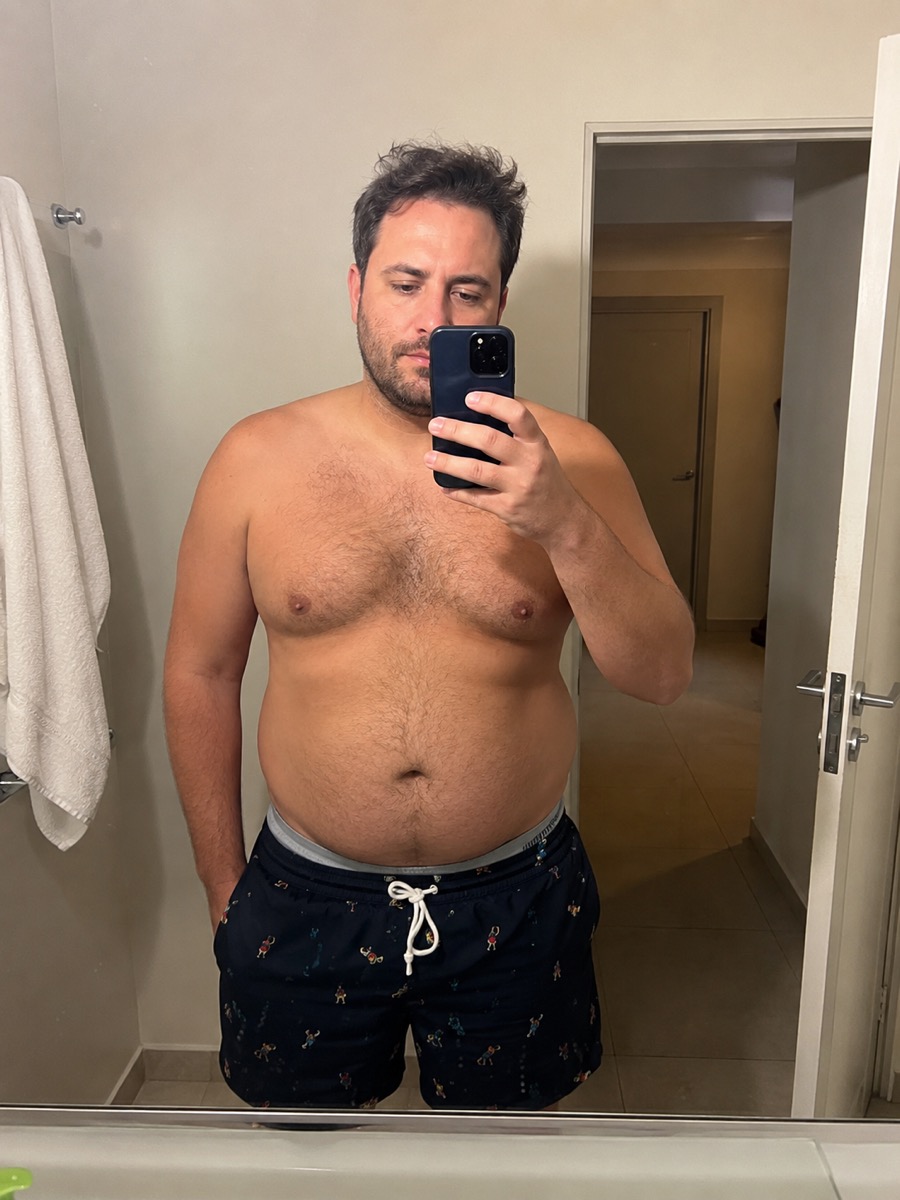

BUILT FOR WEEK 3
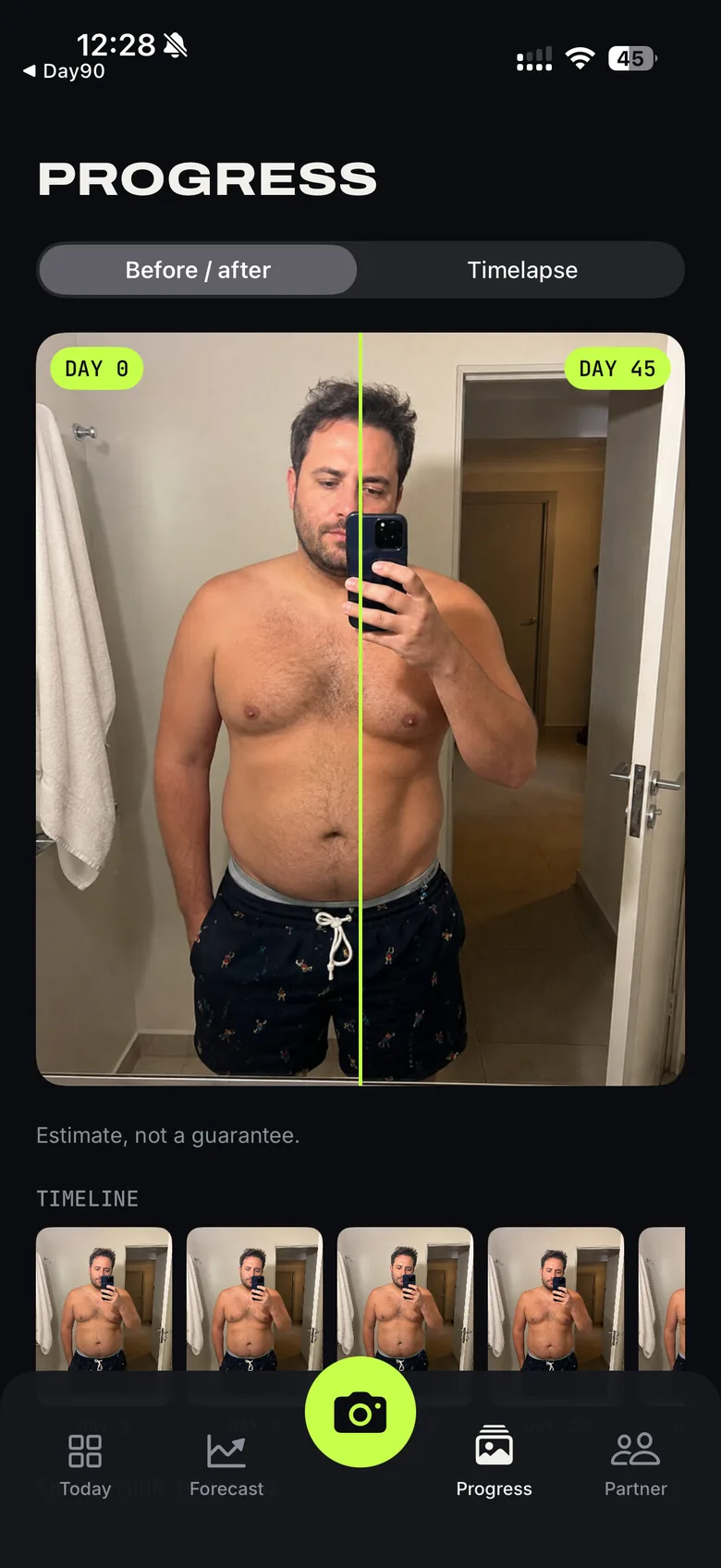
Week 3 is where most attempts die. The work is real, the change is still invisible, and quitting starts to feel reasonable. Day 0 next to your latest photo settles it in one glance.
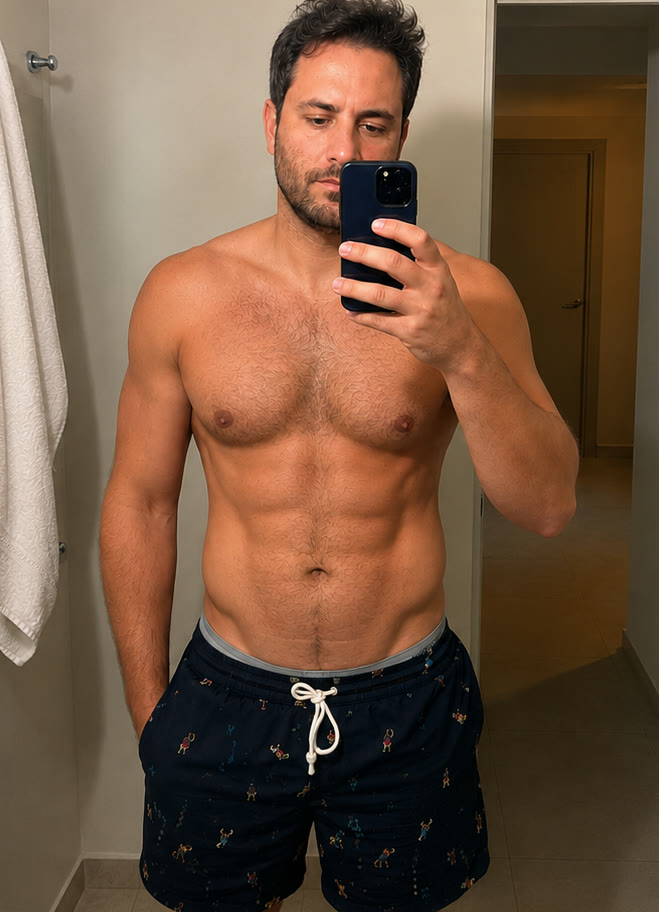 LATEST PHOTO
 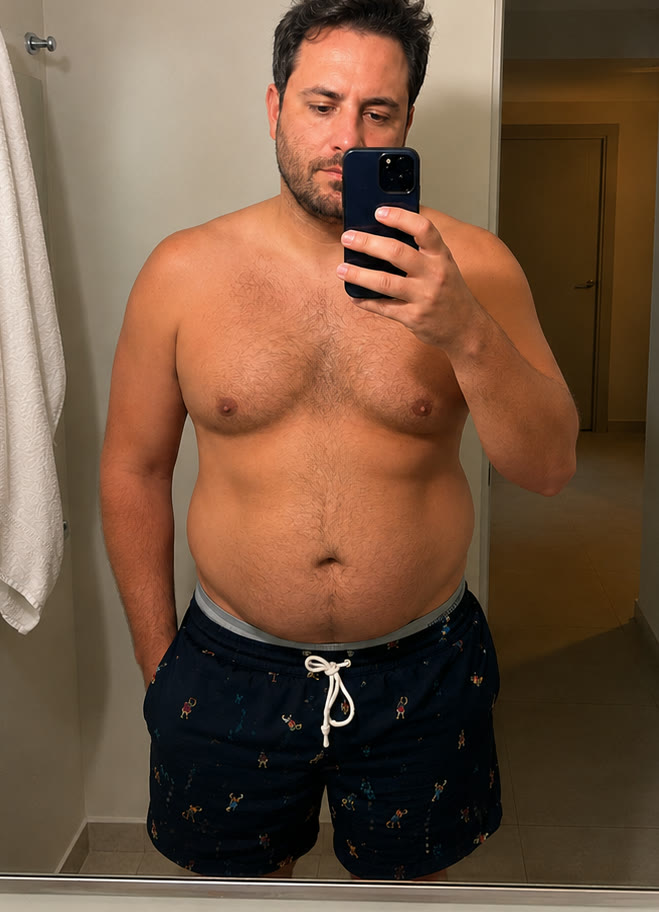 DAY 0
DAY 0 HOW IT WORKS
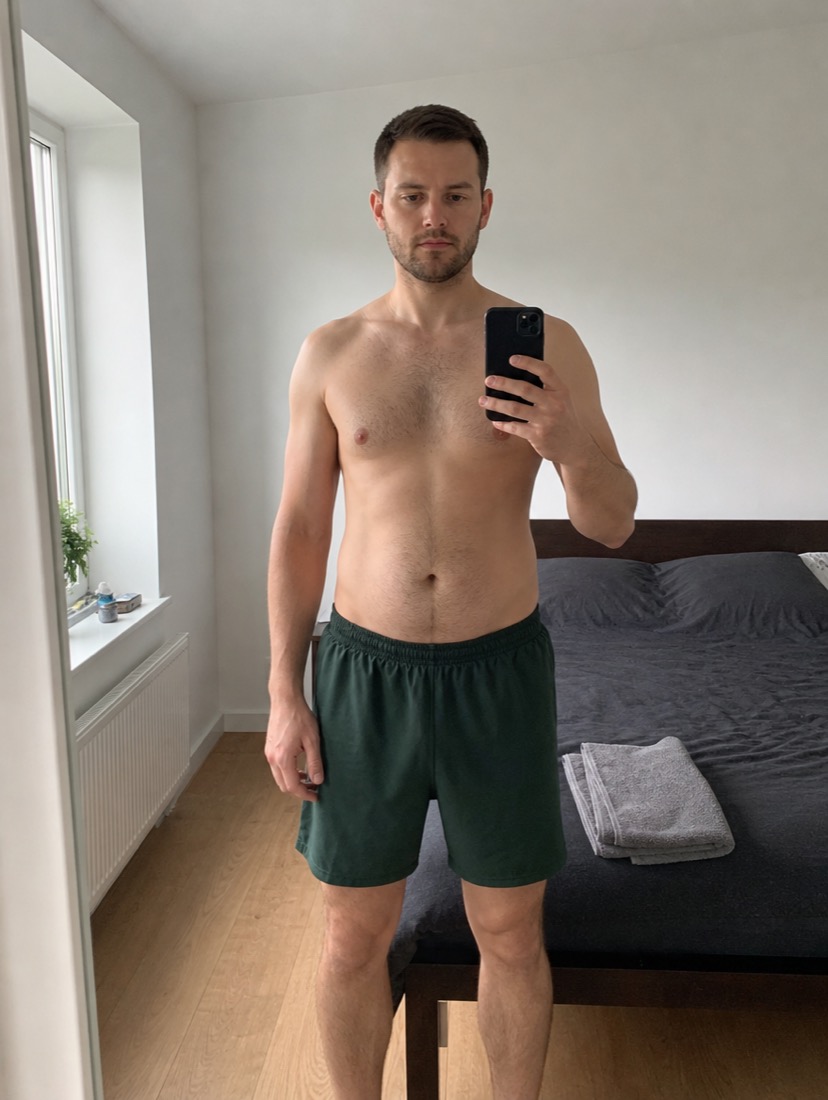
The first photo gives you the target. Every progress photo after that updates it, so the body on screen keeps moving with you.
Take one photo in about a minute. It builds your first forecast and comes off our servers within 24 hours.
See your body at day 30, 45, 60, 75 and 90. Each stop starts from your frame and your starting point.
Add a photo every third day. Each one rebuilds the whole forecast from your newest body, so you always see the next 90 days from where you stand.
WHAT THE FORECAST SHOWS
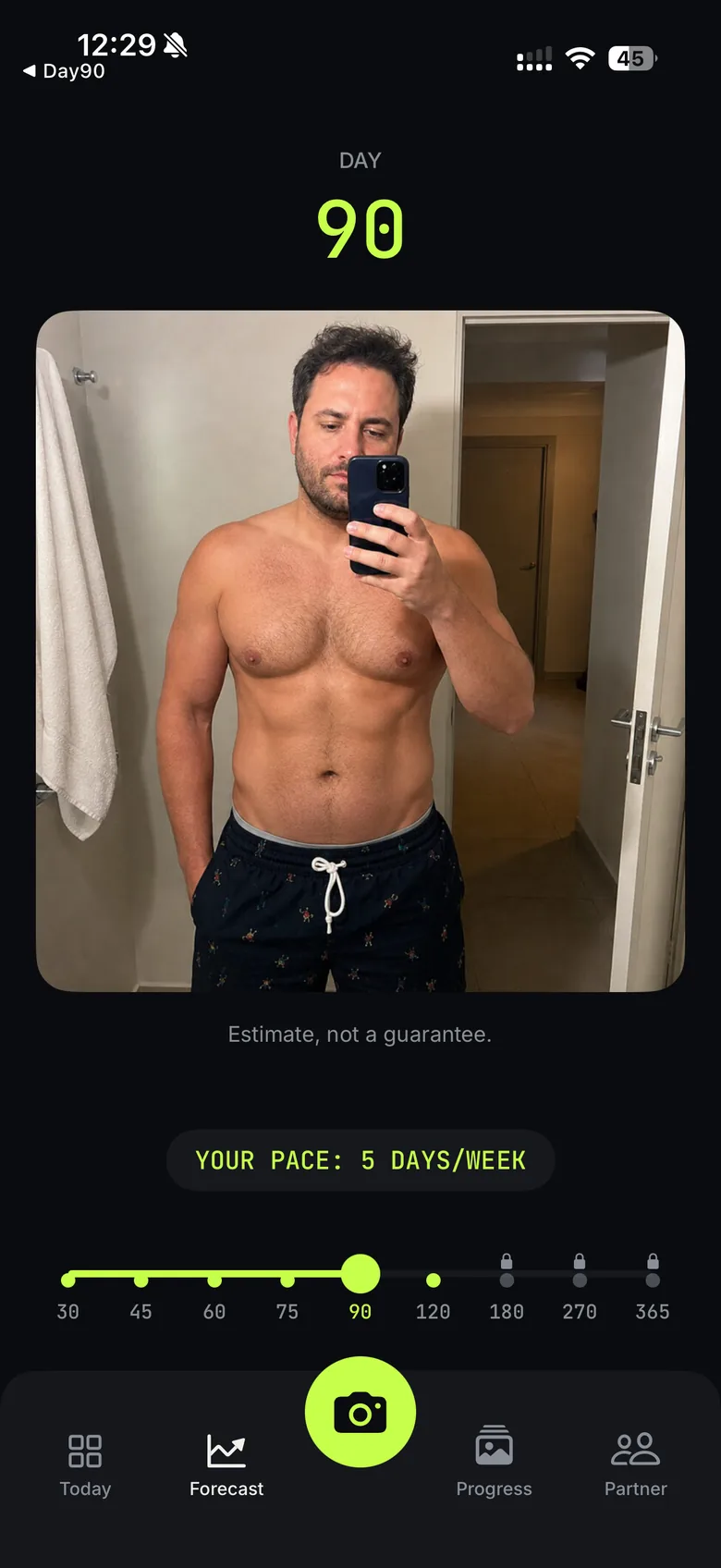
Every stop is built from your own frame. Day 30 looks like you after four weeks of work, and day 90 looks like you after twelve.
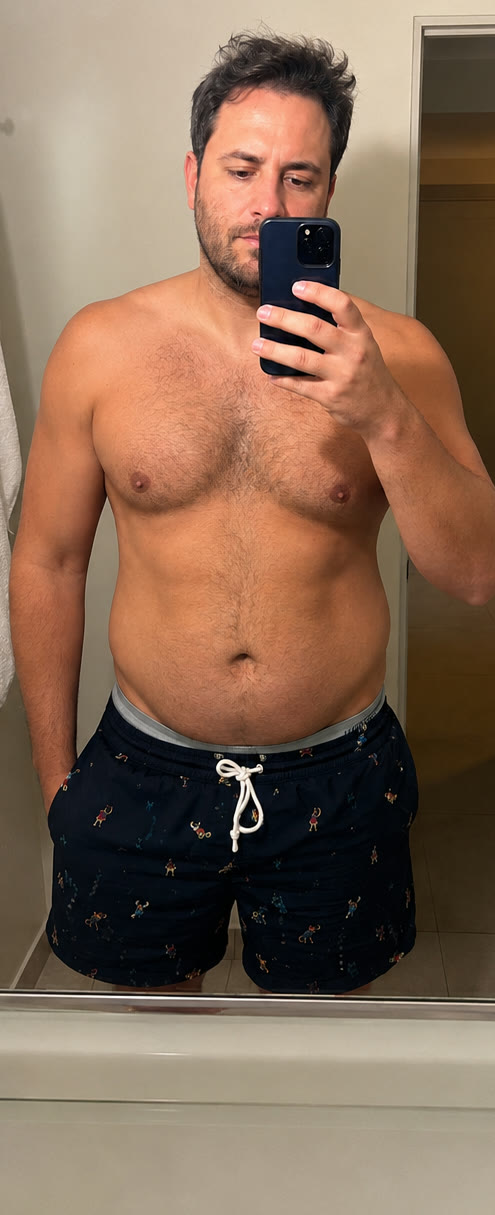
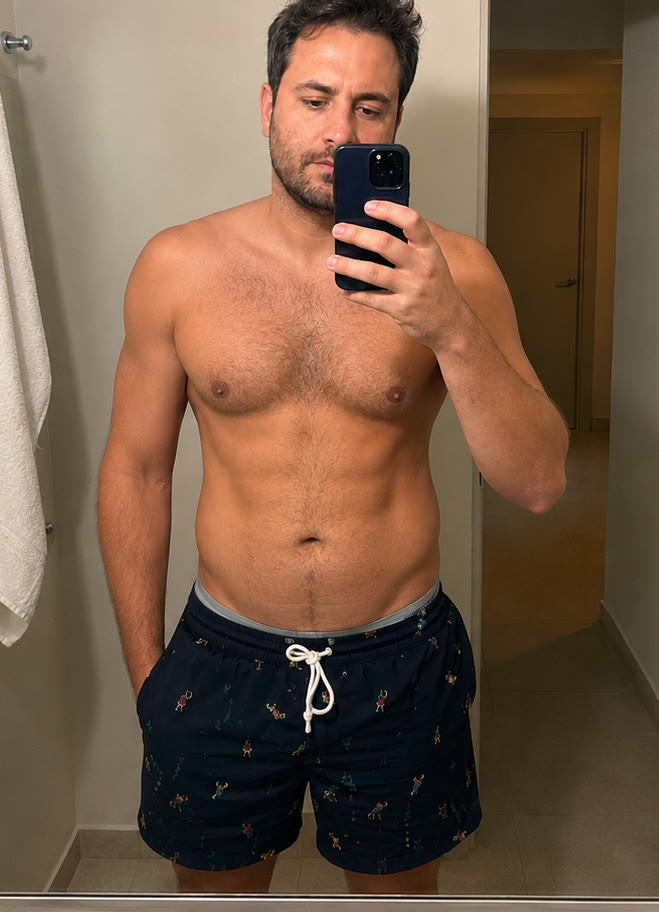
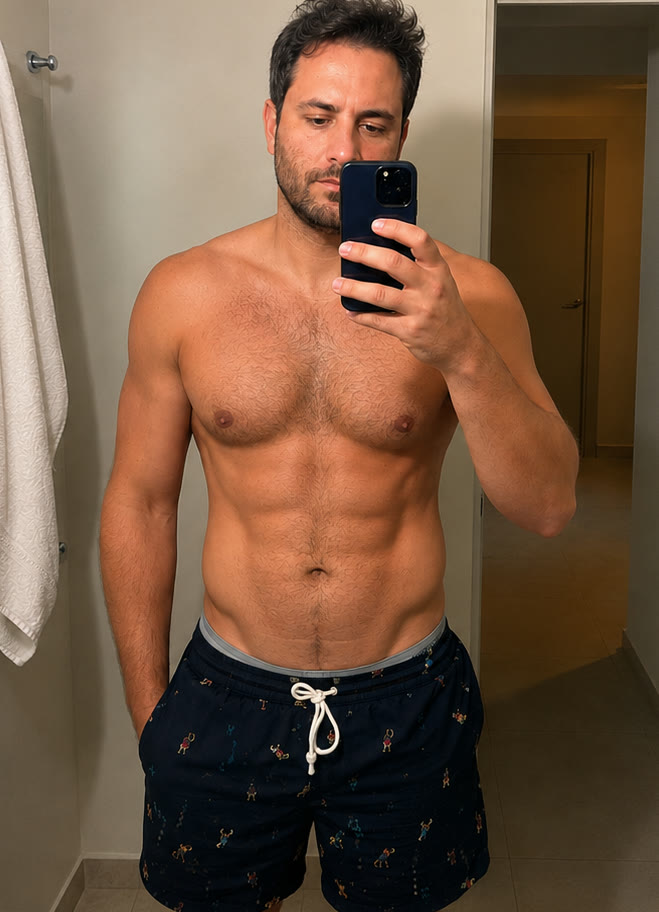
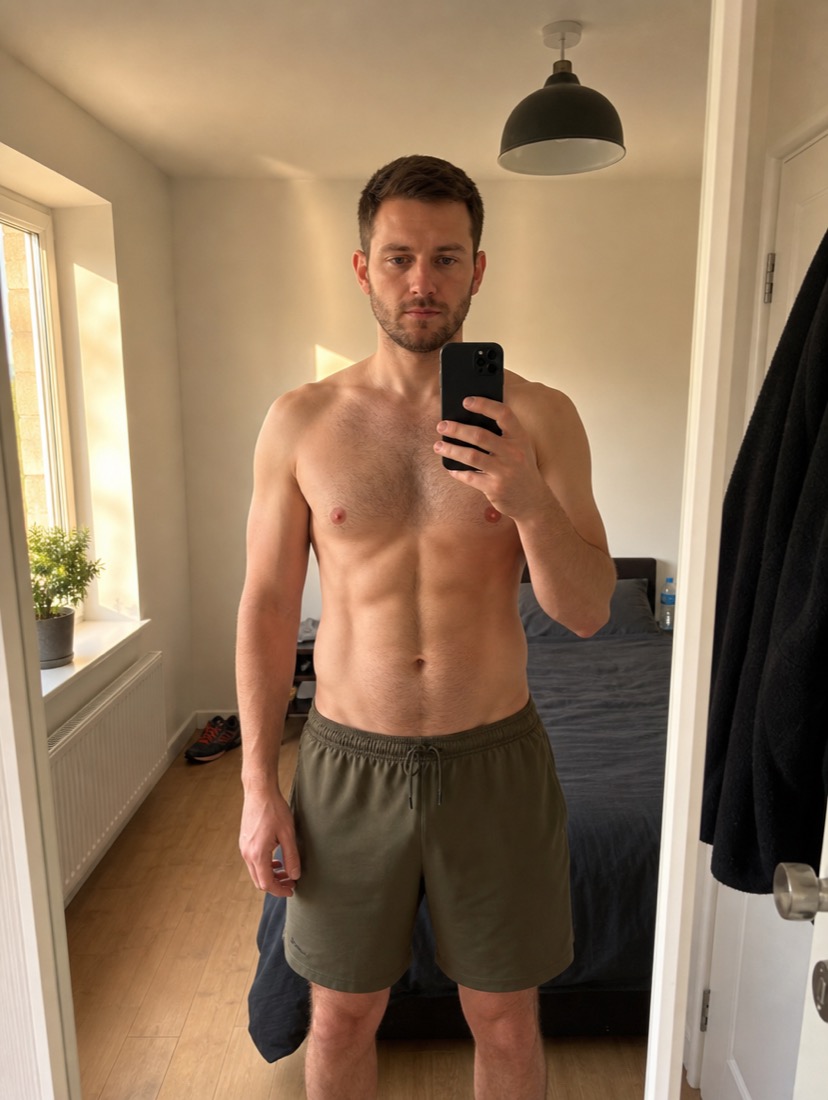 YOUR PHOTO OPENS IT
ANY STARTING POINT
Three different men, three different starting points. The forecast starts from the photo, so day 90 looks like the man who took it.
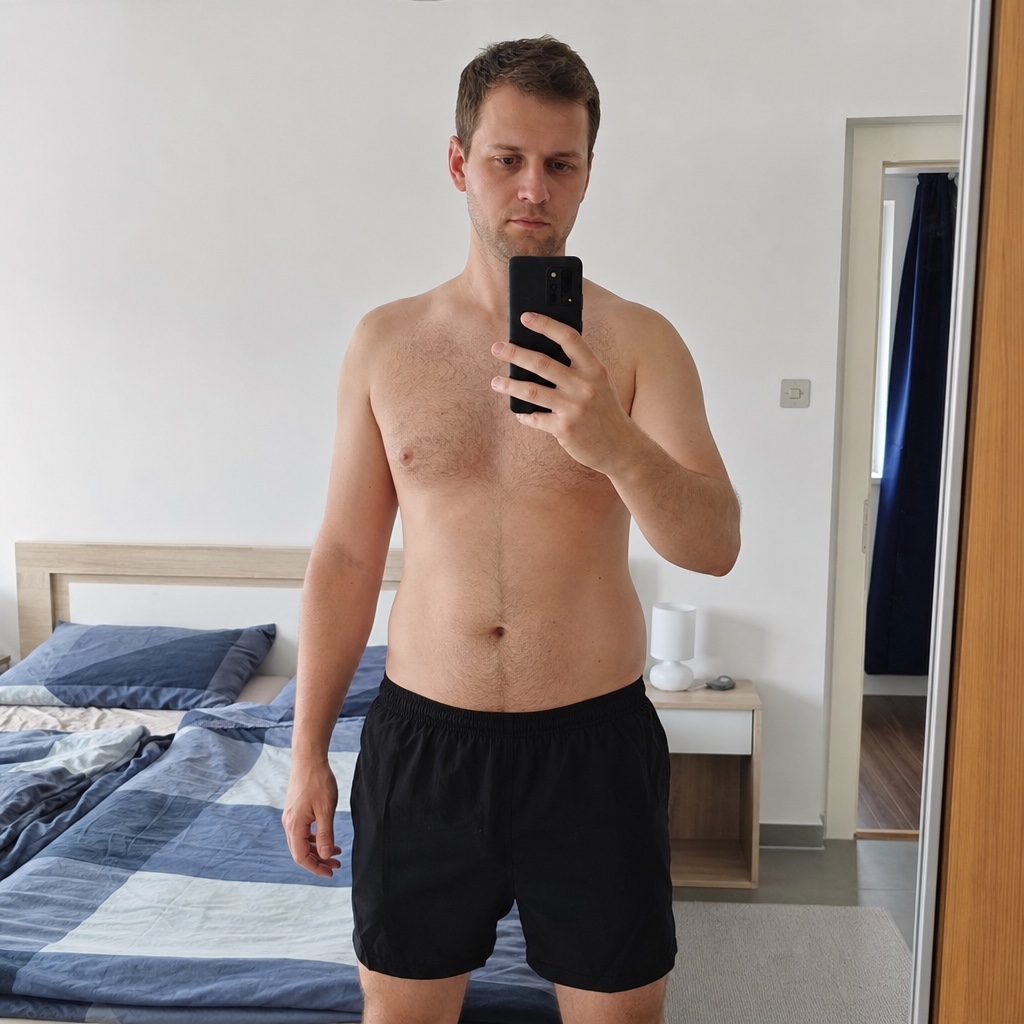 DAY 0
DAY 0 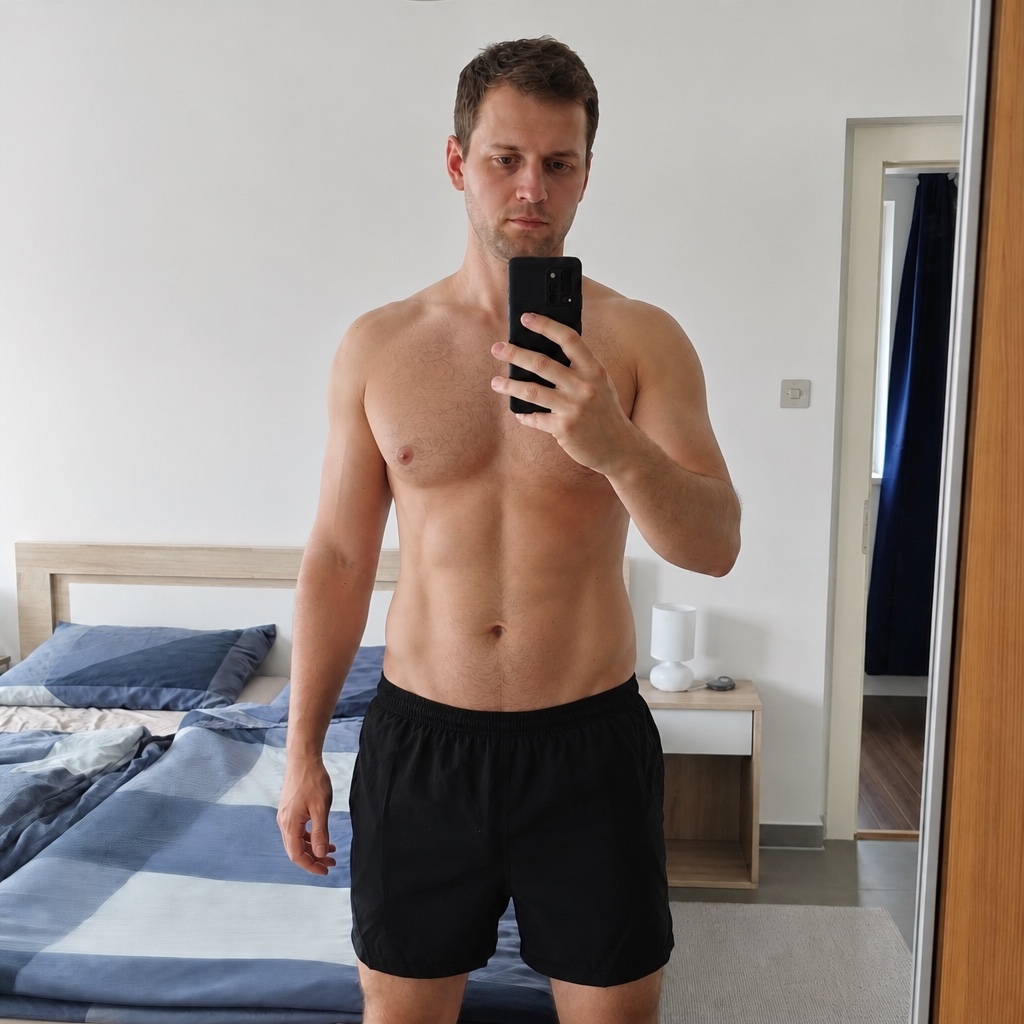 DAY 90 · FORECAST
 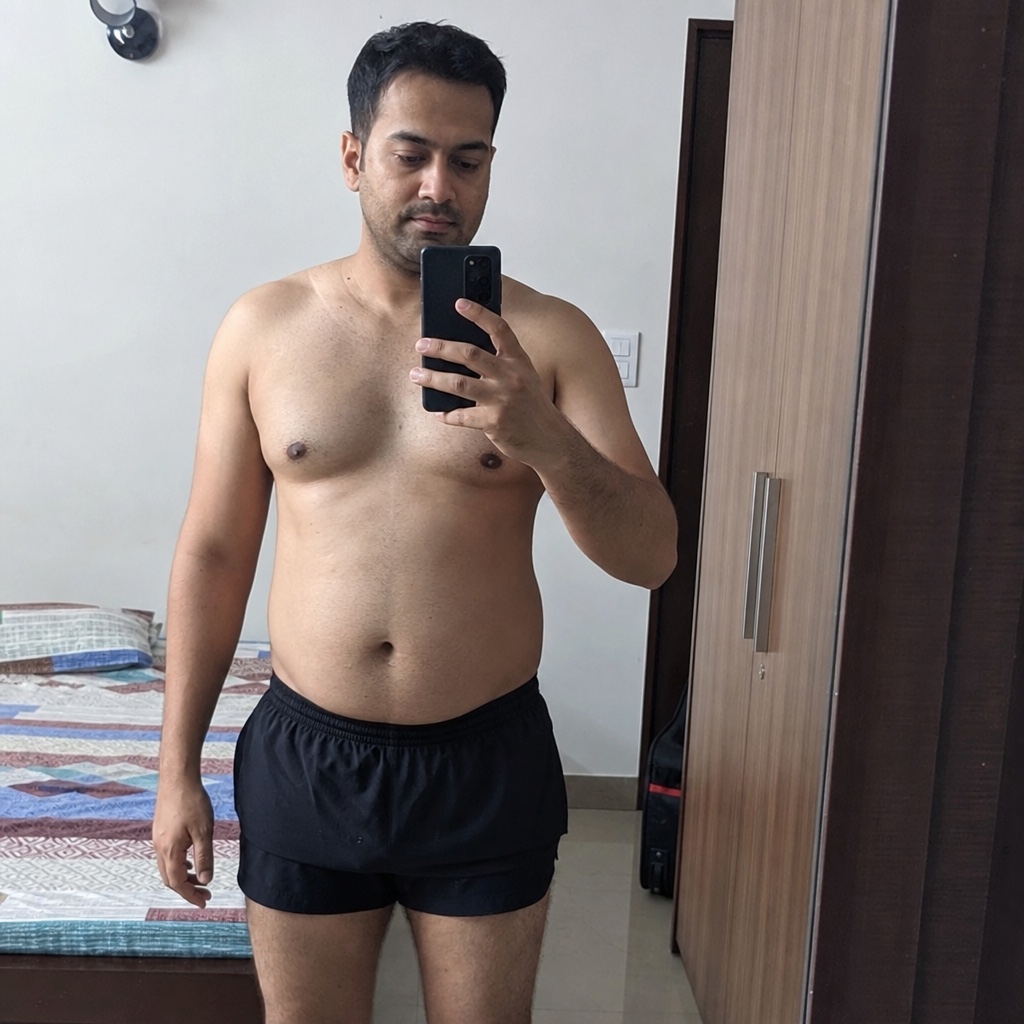 DAY 0
DAY 0 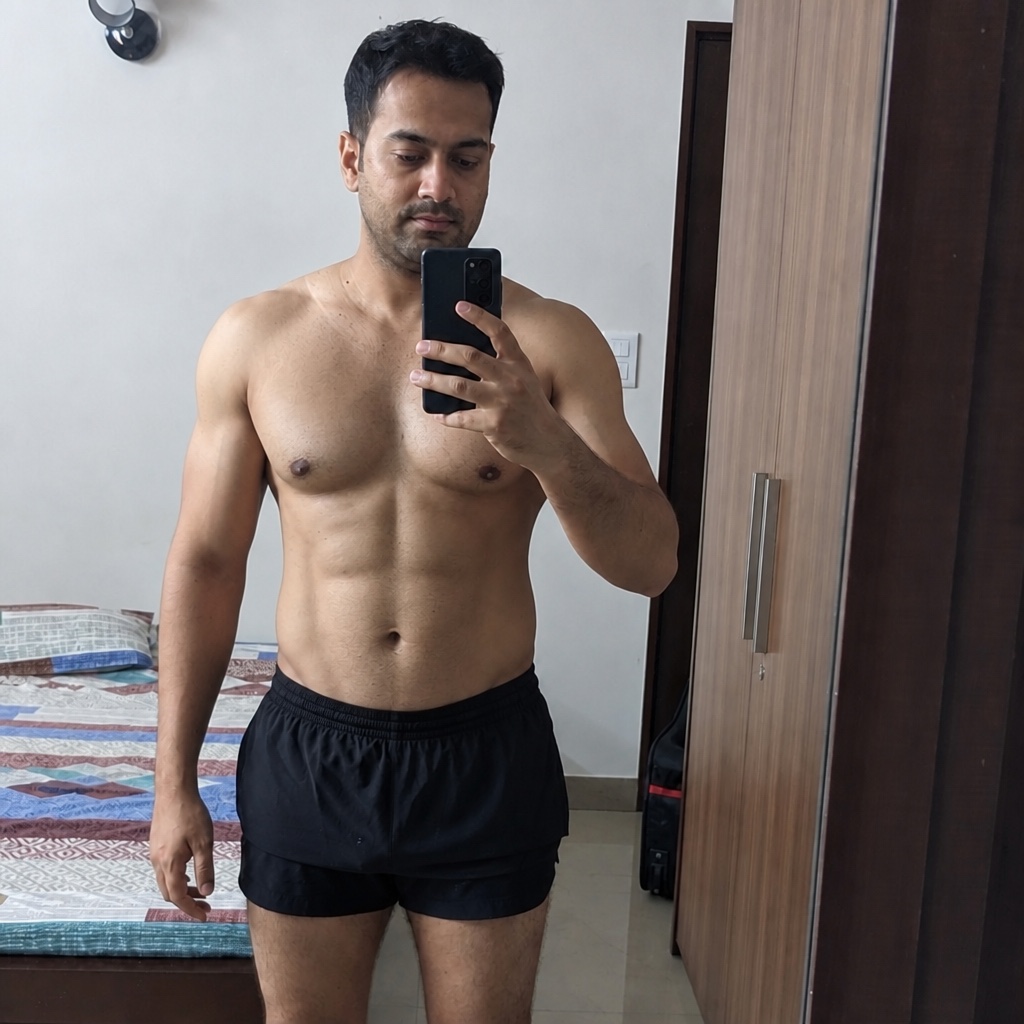 DAY 90 · FORECAST
 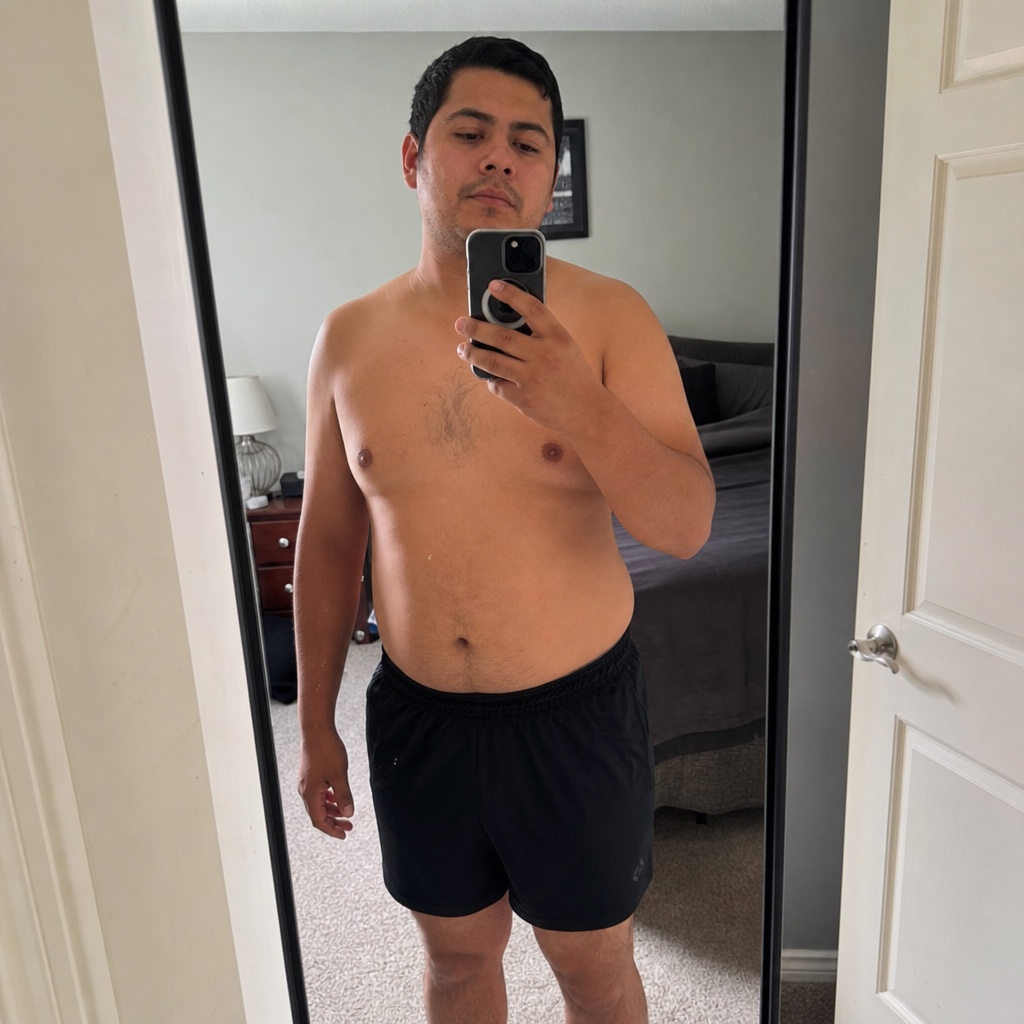 DAY 0
DAY 0 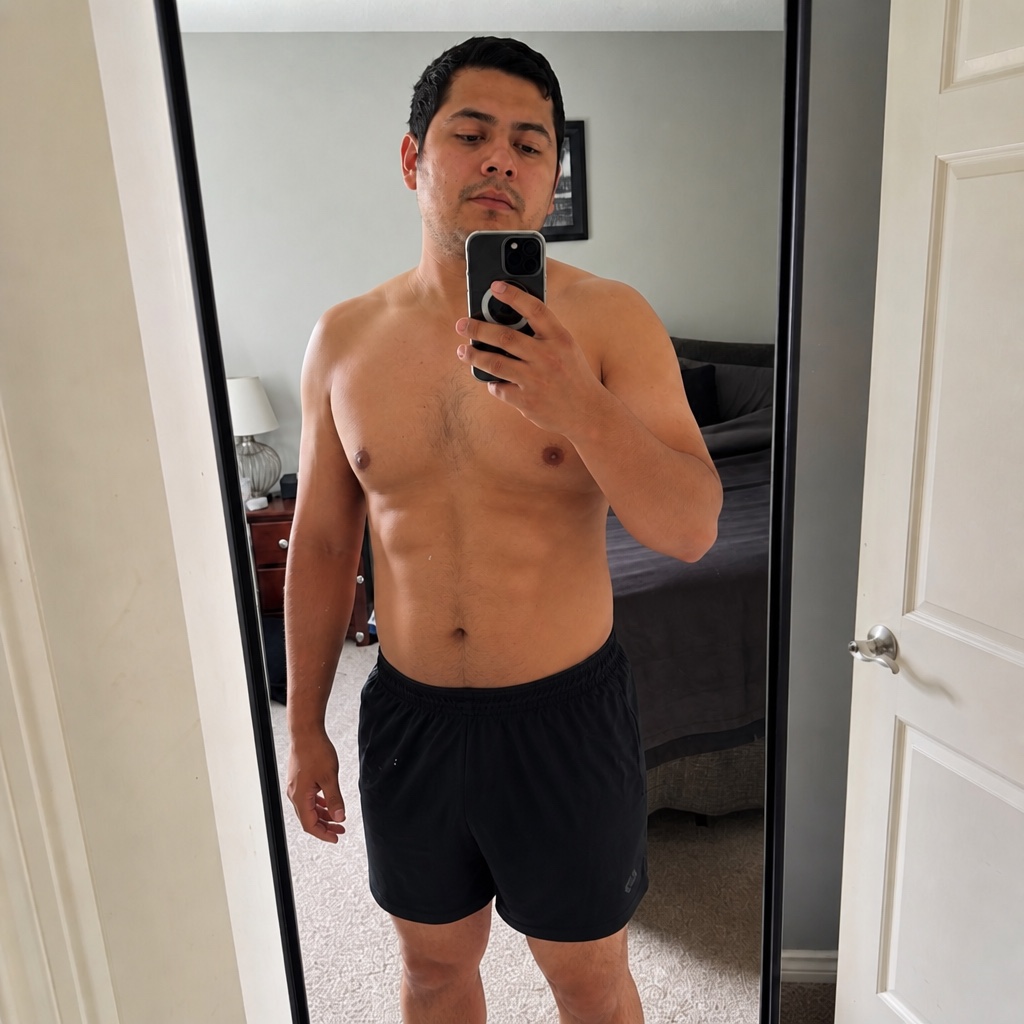 DAY 90 · FORECAST
 FOR THE HARD DAYS
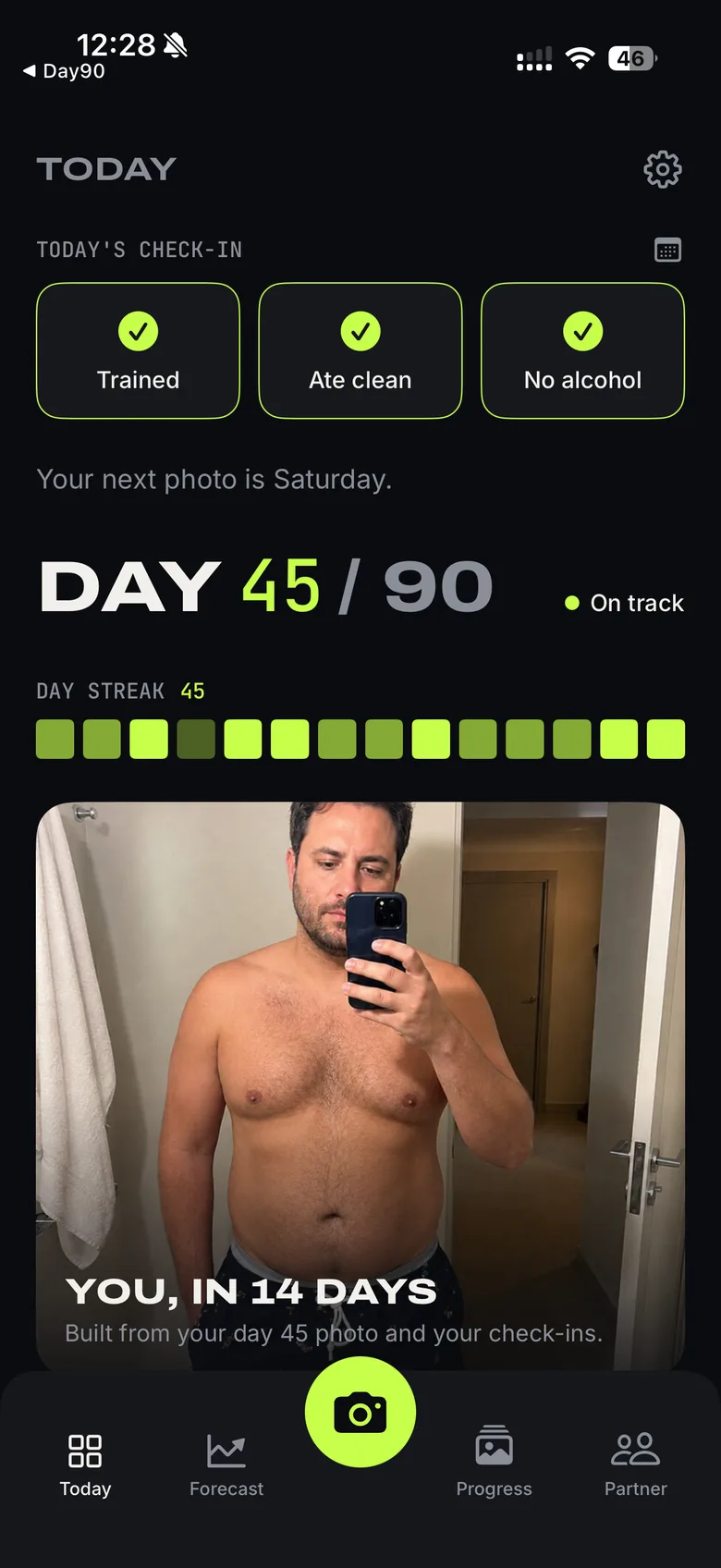
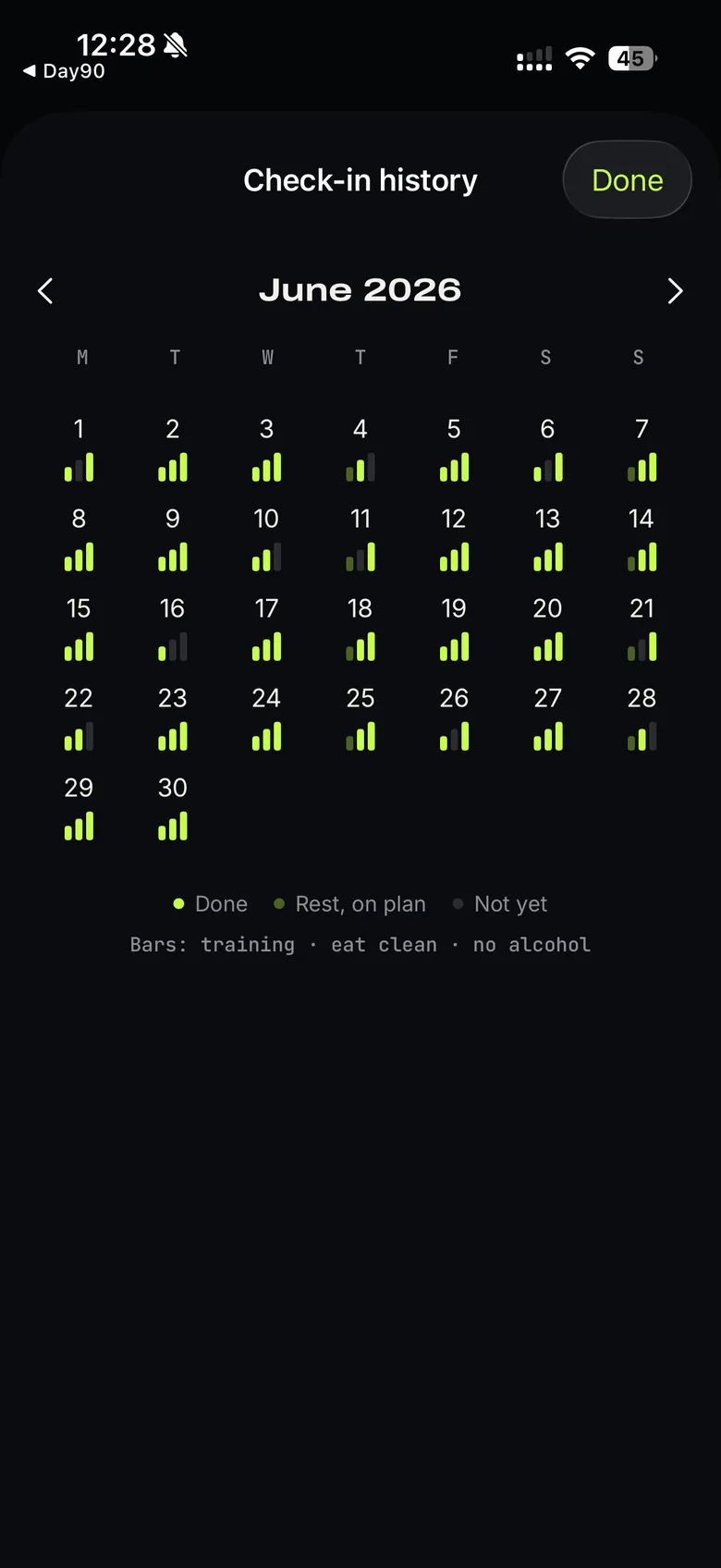
Day90 asks for three taps a day: trained, ate clean, no alcohol. One photo every third day. Every green box is a day you showed up; a missed day stays grey — and the next box is still yours to fill.
Bars: training · eat clean · no alcohol
Check in every day, add a photo every third — and the forecast keeps showing the next 90 days from your newest photo.
REAL SCREENS
Real screenshots from the current build. Each screen shows where you stand and what comes next.
HOME AND LOCK SCREEN
Your day count, next photo date and current target sit on your home and lock screen. They catch you on the days you start talking yourself out of it.
 DAY 23 · NOWDAY 90 · GOAL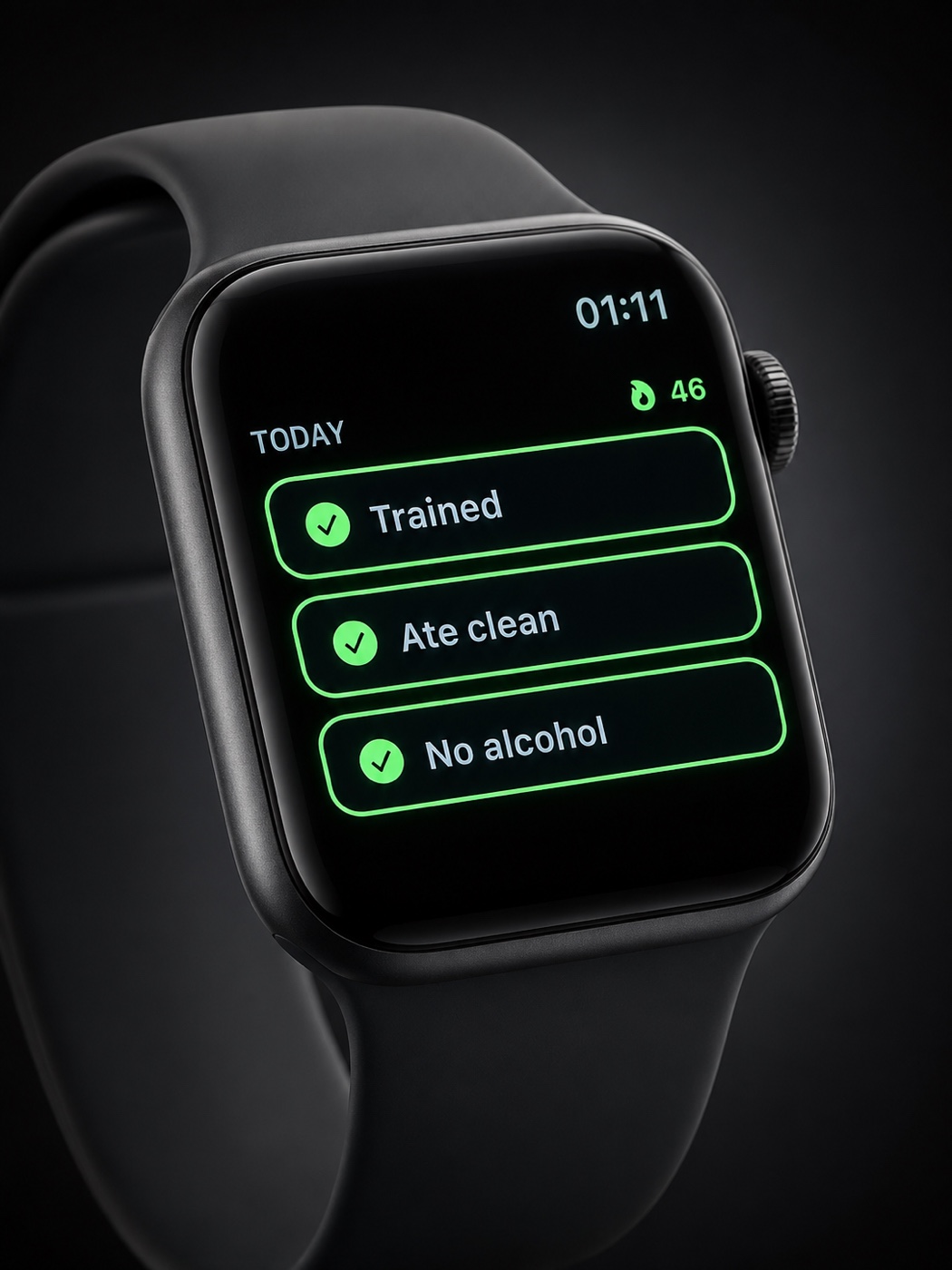
ON YOUR WRIST
Trained, ate clean, no alcohol — three taps on the Apple Watch, and your phone syncs the moment you tap. A watch-face complication keeps today's score in view between sets.
PAIR UP
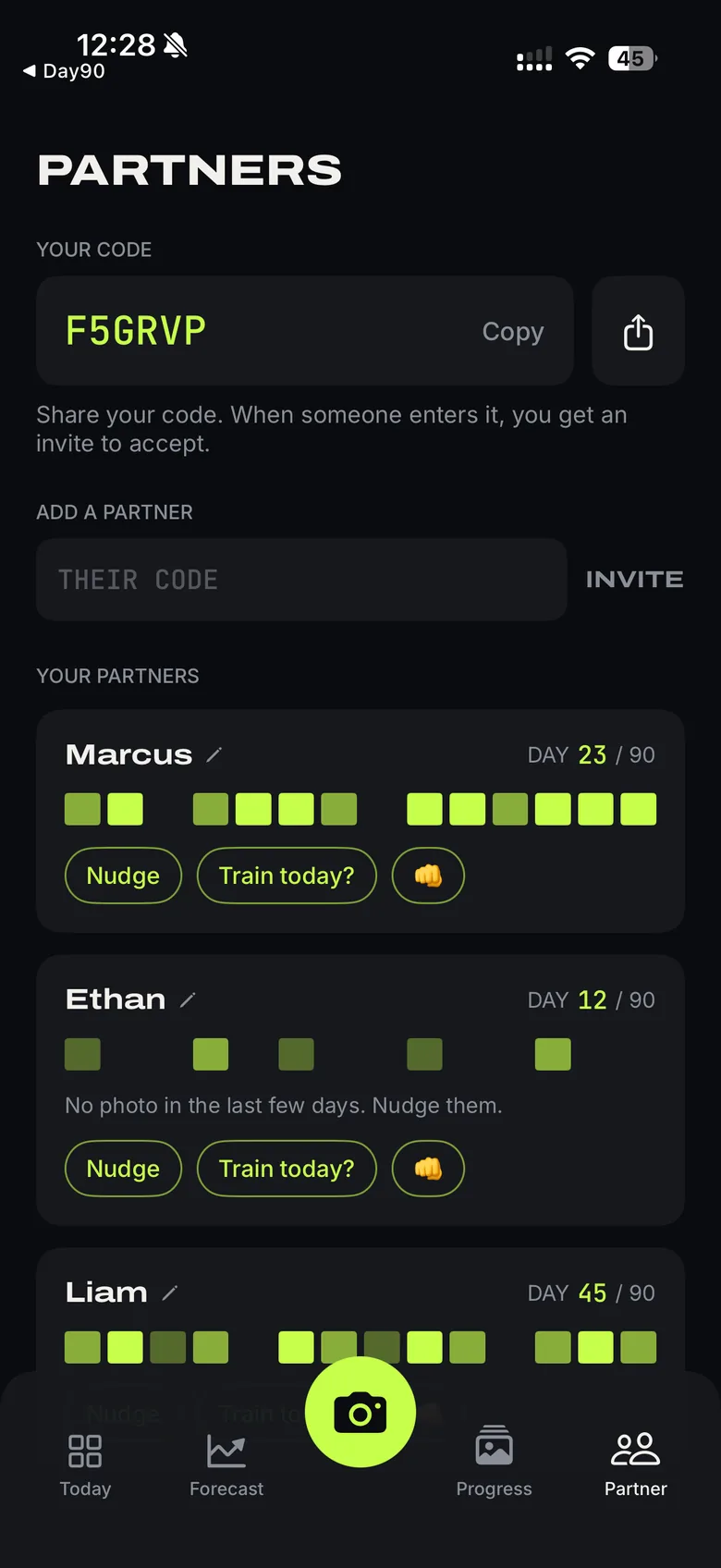
Pair up with the people you train with, or a friend who is starting too. Partners see your day count, streak and consistency boxes — your photos stay on your phone. Someone notices when you go quiet.
YOUR PHOTOS STAY YOURS
Your photos do one job: build your forecast. Processing runs on EU servers and files are deleted within 24 hours. Your photos never train anyone's AI.
Photos are analyzed to build your forecast, then deleted from our servers within 24 hours. Your progress photos stay on your phone.
Sensitive checks run on your phone before anything uploads. You give explicit consent every time, and withdraw it in one tap.
The app carries no ads, ever. We never sell your data.
Made by a German company, run under GDPR, processed on EU servers. Age-rated 18 and over.
THE SCAN IS FREE
Take the free scan, see your day 30, and decide if you want the rest. Start today and day 90 lands on day 90.
FAQ
It is an estimate built from your photo and your training pattern. Treat it as a target. Your food, sleep and consistency decide the result. Every image carries that label.
You can retake as often as you like before submitting. A new progress submission opens every third day, because that is long enough for the comparison to mean something.
Yes. That is the point. When motivation drops, open the app and look at the body you are trying to earn from where you are now.
They are processed to build your forecast, then deleted from our servers within 24 hours. Your stored progress photos stay on your phone unless you choose to back them up. Details are in the privacy policy.
The scan and your day-30 forecast are free. Pro opens the later stops — day 45 through 90 and beyond. Pricing is shown in the app before you pay anything, and you cancel in your App Store settings.
Good. Untrained bodies respond fastest, so your day-0 to day-30 jump is usually the biggest on the whole forecast. It models fat loss as well as muscle.
Because the mirror answers the question better. Weight moves with water, food and timing. Photos show what changed.
Yes. Cancel anytime in your App Store settings.
No. It's a fitness tool. If you have a health condition, talk to a doctor before you start training.